
Most hairdressers know the feeling. You're halfway through a colour, the phone rings, and you either stop with gloves on or let it ring out and hope they call back. Often they don't. They book the salon down the road that let them pick a time on their phone at 10pm.
Online booking fixes that, but only if it's set up in a way that fits how a salon actually works. This guide covers what to get right.
How many salons already offer it?
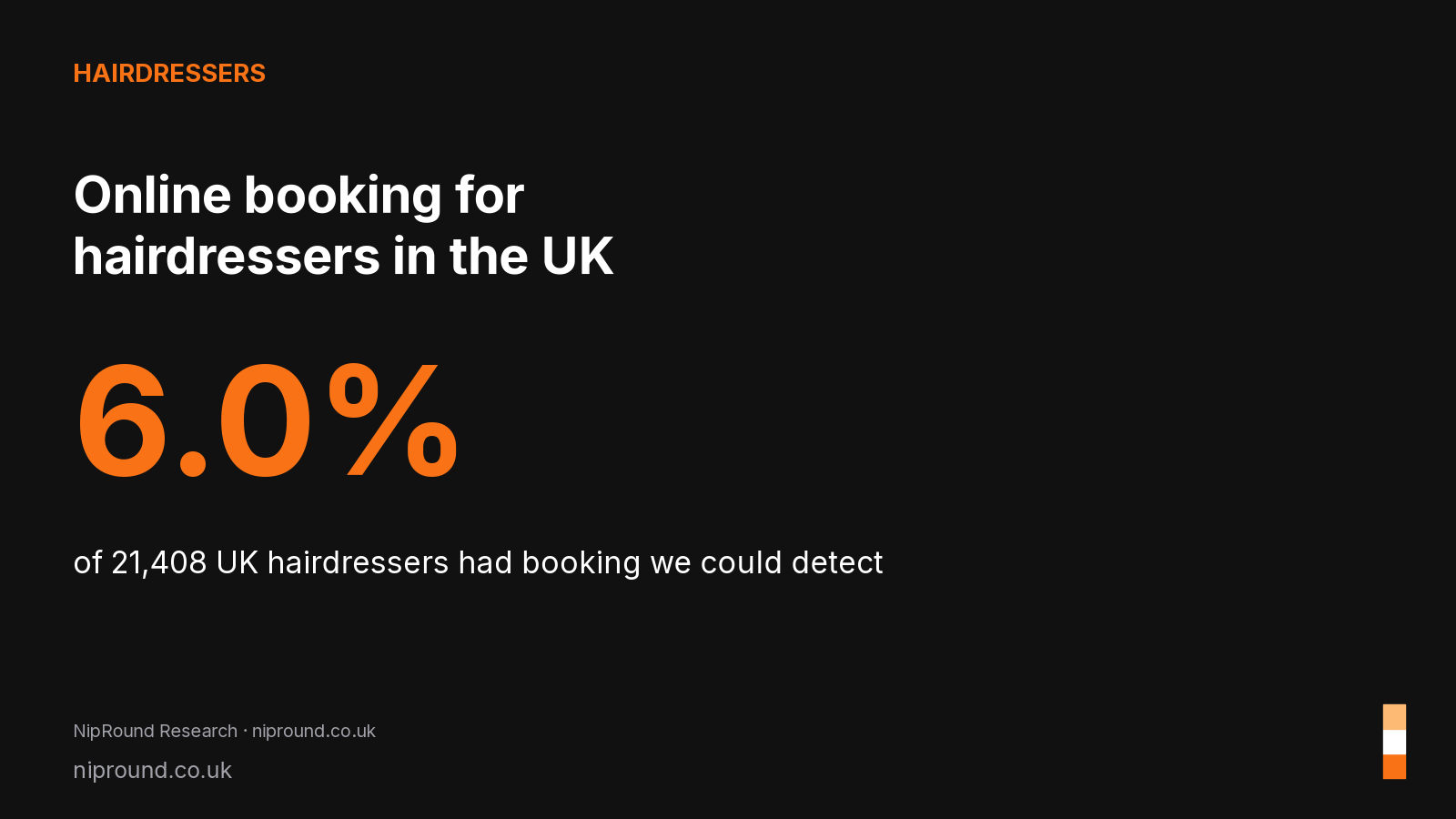
Fewer than you might think. In our study of 21,408 UK hairdressers, only 6.0% had online booking we could detect. That's a minimum figure, because some salons use tools we couldn't see, but it still means most salons in most towns are booked by phone or DM. If you add online booking now, you are ahead of most of your area, not catching up.
Step 1: write a service list clients understand
The biggest reason salon booking pages fail is a confusing menu. Clients don't know whether they need "full head foils" or "T-section", and they panic and close the page.
- Group services simply: Cuts, Colour, Blow-dry and styling, Treatments, Bridal.
- Use plain names and add one line of description: "Half head highlights. Best for adding brightness around the face."
- Show a "from" price if the final price depends on hair length or thickness, and say so.
- Add a consultation option for anything complex, like colour corrections. A free 15-minute slot saves you from a three-hour surprise.
Step 2: get the timings right
Online booking is only as good as the durations behind it. If a root tint actually takes you 90 minutes including processing, don't list it as 60.
Think about processing time too. Many stylists start a second client while colour develops. If your system can't handle that, it's better to block realistic time than to overbook yourself and run late all day.
Step 3: let clients choose their stylist
In a team salon, clients usually want a particular person. Let them pick a stylist, or choose "anyone" for the first available slot. Give each stylist their own hours, so the part-timer who works Thursday to Saturday doesn't show as free on Monday.
Step 4: handle patch tests properly
Many colour products advise a skin allergy test before colour, often 48 hours ahead. Check your product's own guidance and your insurer's requirements. Your booking setup should make the rule clear:
- Add a "Skin test (new colour clients)" service that takes 5 minutes.
- Say in the colour service description that new clients need one first.
- Keep a record of when each client last had a test.
Step 5: decide on deposits
Deposits help with long, high-value appointments like colour, extensions and bridal. They can put people off for a quick trim. A common middle ground is:
- No deposit for cuts and blow-dries.
- A deposit for appointments over a set value or length.
- A clear, friendly cancellation policy shown at booking.
Whatever you choose, write it in plain words. "Please give us 24 hours' notice if you can't make it, so we can offer the slot to someone else" works better than a block of legal text.
Step 6: send reminders
Most no-shows are people who forgot. An automatic email reminder the day before, with a link to change or cancel, gives clients an easy way to tell you instead of just not turning up. For more ideas, see our guide to reducing no-shows in a salon.
Step 7: put the booking link everywhere
A booking page nobody can find won't help. Add it to:
- Your Google Business Profile (our guide).
- Your Instagram bio and Facebook Page.
- Your email signature and any printed cards at the desk.
- Your own website, if it isn't already built in.
Own website or marketplace?
Marketplaces can bring new clients, but some charge a fee when they introduce a client, and your salon sits next to competitors on the same page. A salon website with booking built in keeps your regulars booking with you directly. Many salons use both: a marketplace for discovery and their own site for everyone else. If you're comparing tools, our booking software costs comparison lists the main UK prices.
What about older clients who prefer to phone?
Keep the phone. Online booking doesn't replace it. It just means that the people who would rather book at midnight can do so, and your phone rings less while you're working. You can still add phone bookings into the same diary, so everything is in one place.
A simple checklist
- Service list with plain names and realistic times.
- Stylists with their own hours.
- Patch test step for new colour clients.
- Deposit rules you're comfortable with.
- Automatic email reminders.
- Booking link on Google, Instagram and your website.
A worked example: a two-chair salon
Say you run a salon with two stylists, open Tuesday to Saturday. Here's how a simple setup might look.
- Services: ladies' cut and finish (60 mins), men's cut (30 mins), blow-dry (45 mins), root colour (90 mins), full head highlights (150 mins), skin test (10 mins).
- Stylists: each stylist has their own diary and only shows the services they do.
- Rules: new colour clients must book a skin test at least 48 hours before. Bookings close two hours before the slot, so you're never surprised by a booking you can't prepare for.
- Reminders: an automatic email the day before, with a line asking clients to let you know if they need to move.
That's it. It takes an evening to set up, and clients can start booking straight away.
Step by step setup
- Write your service list on paper first, with honest times. Include processing time for colour.
- Set your opening hours and each stylist's working pattern, including lunch breaks.
- Add your skin test rule to every colour service description.
- Turn on email reminders and read the wording as if you were the client.
- Book a test appointment yourself on your phone, start to finish.
- Add the link everywhere: Google Business Profile, Instagram bio, Facebook, your email signature and a QR code at the desk.
- Tell your regulars. A short sign at reception and a mention in the chair does most of the work.
Common mistakes
- Times that are too short. If a full head always takes three hours, don't list it as two. Overruns ruin the rest of the day.
- Hiding the book button. If it's at the bottom of a long page, people won't find it.
- Different prices in different places. Keep your website, booking page and Google profile matching.
- Opening every slot. It's fine to keep some time back for regulars who ring or for emergencies.
- Forgetting to update holidays. Block out your holidays as soon as you book them.
Quick checklist
- Services listed with realistic times and prices
- Each stylist's hours set
- Skin test rule on colour services
- Email reminders turned on
- Test booking made on a phone
- Booking link on Google, Instagram and your website
- Holidays blocked out
FAQs
How much does online booking cost for a hair salon?
It varies a lot. Some tools are free with paid extras, others charge a monthly fee per stylist, and some take a fee on new clients from their marketplace. Compare the total monthly cost for your team size, not just the headline price.
Will online booking make my salon feel less personal?
Not if you set it up well. Clients still choose their stylist and you still chat in the chair. It mainly saves them a phone call and saves you an interruption.
Can clients book patch tests online?
Yes, if you add a short skin test service and explain in the colour descriptions that new colour clients need one first.
Do I need my own website to take bookings?
You need somewhere clients can book. That can be a booking page on a platform, or your own salon website with booking built in, which also helps you show up on Google.
How long does it take to set up online booking?
For a small salon, an evening is usually enough if you've written your service list and times first.
Should I let clients book any stylist?
Let them choose a stylist or pick "anyone available". Regulars will pick their stylist, and new clients often just want the soonest slot.
Ready to try it?
NipRound gives your salon its own website with online booking built in, a diary for every stylist and automatic email reminders, for £19.99 a month per location, with no setup fee and no commission. See NipRound for hairdressers.