
When someone searches "barber near me", the first thing they usually see is a map with three or so shops underneath it. Those listings come from Google Business Profile — a free listing any shop can claim. For a lot of new clients, it's your real shop window.
What Google says matters
Google's own help page says local results are "mainly based on relevance, distance and prominence" (Google Business Profile Help):
- Relevance — how well your profile matches what someone searched. Complete, detailed info helps.
- Distance — how far you are from the searcher. You can't change this.
- Prominence — how well known you are, including how many reviews you have and your ratings.
Google also says plainly: "There's no way to request or pay for a better local ranking." So anyone promising a guaranteed top spot is overselling.
What Kent barbers' profiles look like
From the Google listings of 651 Kent barbershops we checked in October 2026:
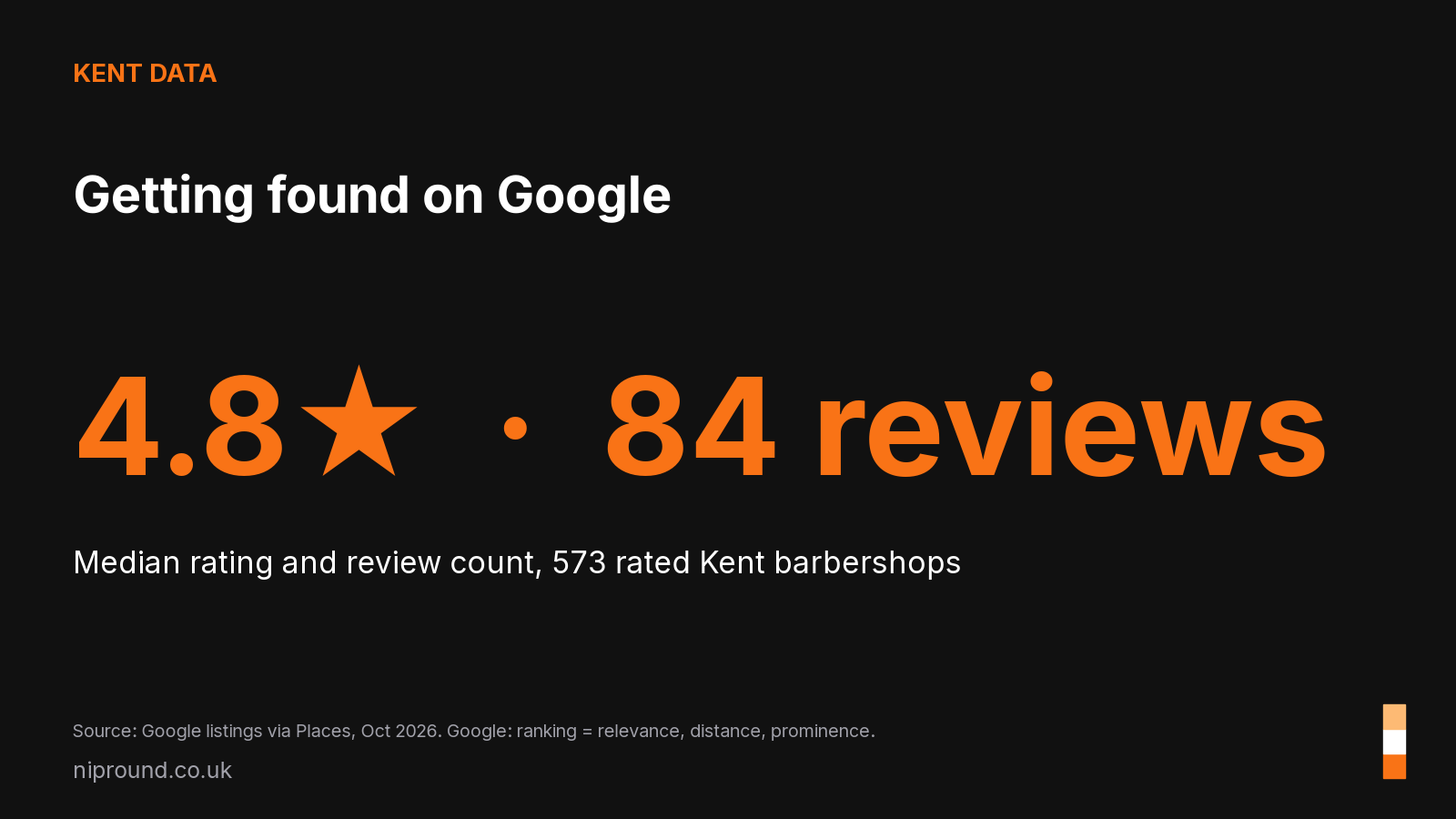
- 573 had a star rating; the median rating was 4.8.
- The median number of reviews was 84.
- 370 (56.8%) had no website link on their profile.
A 4.8 rating is so common that it no longer makes you stand out on its own. What can make a difference is having a profile that's complete, current and clickable.
Step-by-step setup
1. Claim and verify
Search for your shop on Google Maps. If it's there, choose "Own this business?" and follow the steps. If not, add it at google.com/business. Google says verification makes your profile "more likely to show up in search results".
2. Choose the right category
Pick "Barber shop" as your primary category. Only add secondary categories that are genuinely true.
3. Fill in everything
Google advises that businesses with "complete and accurate info are more likely to show up". At a minimum:
- full address (or a service area if you're mobile)
- opening hours, including bank holidays and closures
- phone number
- website and booking link
- a short description in plain words: who you are, what you do, where
4. Add your prices
Add your main services and prices. People searching want to know what a cut costs before they come in. (See How to price your cuts.)
5. Add photos — and keep adding them
Photos of the shop front (so people recognise it), inside, the team and your work. Fresh photos show the business is active.
6. Ask for reviews, every day
Reviews feed prominence. The easiest way is to ask in person at the end of a cut and make it easy with a QR code at the till or a link in your booking confirmation.
7. Reply to reviews
Google recommends responding to reviews. Thank people by name for good ones, and reply calmly and briefly to bad ones. Future clients read your replies too.
8. Link to your booking
If you take online bookings, put that link on your profile. It turns "found you" into "booked you" without a phone call.
A five-minute monthly check
- Are the hours right for the coming month?
- Any new reviews to reply to?
- Any new photos to add?
- Do the prices still match what you charge?
- Does the website/booking link still work?
Common mistakes
- Keyword-stuffing the business name (e.g. "Joe's Barbers Best Fade Maidstone"). Use your real name.
- Wrong hours on bank holidays — a sure way to annoy someone who turns up to a locked door.
- A dead website link, or one pointing to an old Facebook page.
- Ignoring negative reviews. One calm reply goes a long way.
Where NipRound fits
NipRound builds websites with online booking for barbers, with reminders built in: £19.99 a month per location, no setup fee, and your first 2 months free. Your site goes live the same day on a free nipround link, and your own domain follows within 2-3 days. Want confirmations and reminders through Facebook Messenger, Instagram and WhatsApp? Add Social for £20 more a month. We're a new company and we'd love your feedback: nipround.co.uk.
Sources: Google Business Profile Help, "Tips to improve your local ranking on Google" (checked 30 October 2026); NipRound analysis of 651 Kent barbershops' Google listings, October 2026.